
Cybersecurity Awareness Month 2026: 5 tips from IT professionals
Updated on
It’s October, which can only mean one thing. No, we’re not talking about spooky season – although an unexpected phishing attempt can evoke fear in even the most veteran IT professional.
It’s Cybersecurity Awareness Month.
For some of the local businesses we speak to, cybersecurity isn’t always at the top of the agenda. There’s a common misconception that installing antivirus software across your devices is enough to keep a business protected. In reality, modern cybersecurity requires a layered approach that considers your people, devices, accounts, data and processes.
That’s why, for Cybersecurity Awareness Month, we asked five members of the Flyford Connect team for one piece of cybersecurity advice they’d give to every SME in Yorkshire.
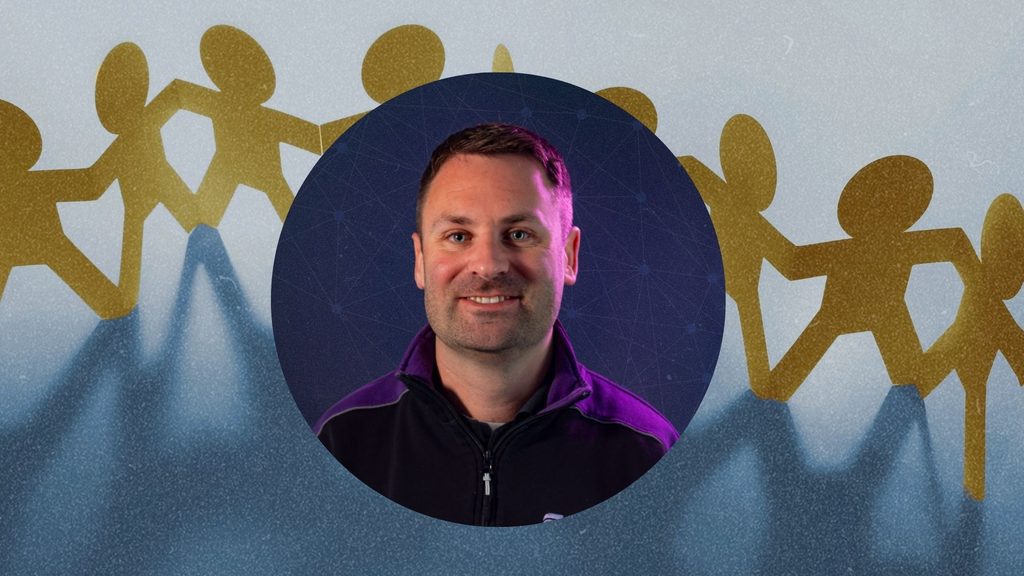
1: “Make Cybersecurity everyone’s responsibility” – Phil Farey, Director and Owner
Firewalls, endpoint protection, and malware defences are all critical components to an effective cybersecurity set up; but if you haven’t fostered a culture of shared responsibility within your team, suspicious activity can go unreported, breaches can occur, phishing attacks can steal data, and your protections are rendered useful.
“The biggest mistake I see businesses make is treating cybersecurity as something their IT provider handles in the background. Your technology is only one part of the picture. Your people, processes and technology all need to work together”, says Phil, Flyford’s Director and Owner. “If an employee receives an email supposedly from a director asking them to urgently change a bank account for a supplier, the question isn’t whether their antivirus will detect it. It’s whether the employee knows to stop and verify the request.”
That’s why developing your team’s understanding of the importance of cybersecurity is so important. In fact, the National Cyber Security Centre recommends that businesses “don’t leave the responsibility for cybersecurity with a single person. Every member of the team should realise that cybersecurity is everyone’s business.”
So, how can you improve your team’s cybersecurity awareness and knowledge? At Flyford, we’d recommend Cyber Essentials and Security Awareness & Phishing Training for every business. Both of which are great benchmarks for sharing responsibility of your businesses security.
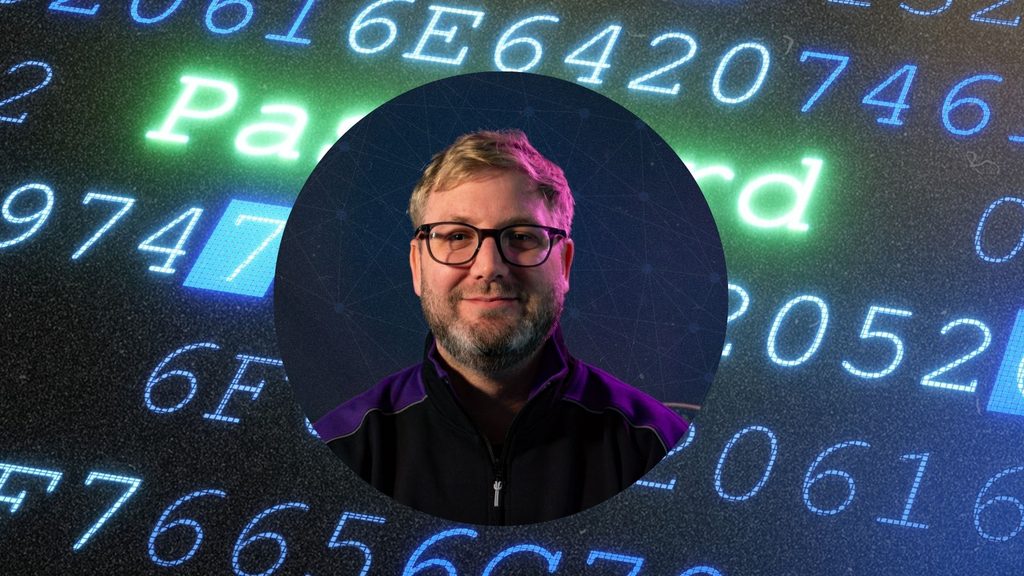
2: “Don’t Rely on Passwords Alone”- James Farey, Projects and Helpdesk Manager
By now, almost every person with access to the internet knows not to use weak or reused passwords. While these hygiene practices are no less important, they’re no longer enough to keep businesses protected. Passwords can sometimes be acquired by cybercriminals, either through phishing attempts against the user, or through data breaches where the login information is stored. That’s why we would always recommend multifactor authentication as a minimum, and conditional access where available.
“MFA is a great starting point, but for businesses, there are more secure options available. If you’re using Microsoft 365, you have tools available that allow you to control not just who is logging in, but how and from what device they’re accessing your data”, James says, Projects and Helpdesk Manager. “For example, you might decide that someone can only access company data from a device that’s managed by the business and meets certain security requirements.”
Conditional Access can also make it easier to control access when circumstances change. If an employee leaves the business or you cease working with a contractor, their account should be disabled as part of your offboarding process, while Conditional Access policies can provide an additional layer of protection by restricting which users, devices and circumstances can access company resources.
What’s the difference between MFA and Conditional Access?
MFA verifies that the person logging in has more than just the password.
Conditional Access allows a business to decide under what circumstances someone is allowed to access its systems.
3: “Secure Every Device That Can Access Your Business Data” – Kane McGregor Technical Engineer

When we ask our customers to consider endpoint security for their SME, they’ll immediately think about protection for their desktops and laptops. These devices are crucial to protect, but they aren’t the only ones that businesses should consider.
“A lot of businesses think about cybersecurity as just protecting the office network, but that’s not necessarily where all your data is contained to. Your staff might be accessing Microsoft 365 from a laptop at home, a phone in a coffee shop or a tablet on a construction site”, notes Kane, our Technical Engineer. “That’s why device management matters. Businesses should know what devices are accessing their systems, make sure they’re updated and protected, and have a way to remotely secure or wipe devices if they’re lost or stolen.”
With this in mind, we’d recommend full device management for SMEs to ensure you have a clear picture of device access, endpoint protection is installed, and security patches are always kept up to date.
For businesses with remote workers or multiple sites, secure connectivity is another important consideration. Depending on how your systems are structured, this could involve VPNs, secure cloud access, device management and identity-based controls. The right solution depends on where your data and applications are hosted and how your team works.
4: “Learn to Spot Phishing Attacks and Understand How they Work” – Kael Turner, Technical Engineer

Many people think that phishing scams are limited to ‘distant royalty’ looking to distribute their wealth, hackers that have compromising images of you, or a free yacht that you won in a lottery you didn’t enter. In reality, successful phishing attacks utilise social engineering attempts that rely on personalisation, targeting, and urgency.
“Good phishing emails don’t really look like scams anymore. The attacker isn’t relying on terrible spelling and obvious fake logos. They’re trying to create a situation where you react before you think”, mentions Kael, our Technical Engineer. “You might receive an email at 4:55pm apparently from your managing director saying they’re in a meeting and need you to urgently purchase some gift cards. The important part isn’t whether the email looks professional. It’s whether the request makes sense and whether you’ve verified it through another channel.”
If you’re looking to improve your team’s awareness of phishing scams, what they look like, and how to counteract them, we can offer interactive training and phishing simulations to keep employees engaged in their inbox. Take a look at our Security Awareness & Phishing Training for SMEs here.
5: “Back Up Your Data… and Make Sure those Backups Work” – Luke Walker Projects & Support Engineer

What use is a backup if it can’t be restored when you need it? Many businesses will have frequent backups in place, but few will actually test if these backups are functioning, easily recoverable, and contain all the crucial information you need.
“One of the questions I’d ask any business is: ‘If your server disappeared tomorrow, how long would it take you to get back up and running?’ If the answer is ‘I’m not sure’, that’s something worth looking at”, says Luke, our Projects & Support Engineer.
Documents, emails, databases, business-critical applications, and servers; these are just some of the things that you should make sure are backed up in the event of disaster. More info on onsite and offsite backups here.
What’s the difference between backups and disaster recovery?
A backup is a copy of your data. Disaster recovery is the process of getting your systems and business operational again after something goes wrong.
Not sure how secure your business really is?
Cybersecurity doesn’t have to be complicated. At Flyford Connect, we help businesses across Yorkshire put practical, layered security measures in place – from protecting Microsoft 365 accounts and devices to security awareness training, backups and ongoing monitoring.
Not sure where your business stands? Get in touch with our friendly team and we’ll be happy to have a chat.
About the author